MyNCSC Help Centre
Page 7 of 22
Register for MyNCSC
Using Active Cyber Defence (ACD) security services within MyNCSC
Before using DNS Check, Early Warning, or VMS - from GDS, you will need to join your organisation on MyNCSC.
How to register for MyNCSC
Visit MyNCSC to register
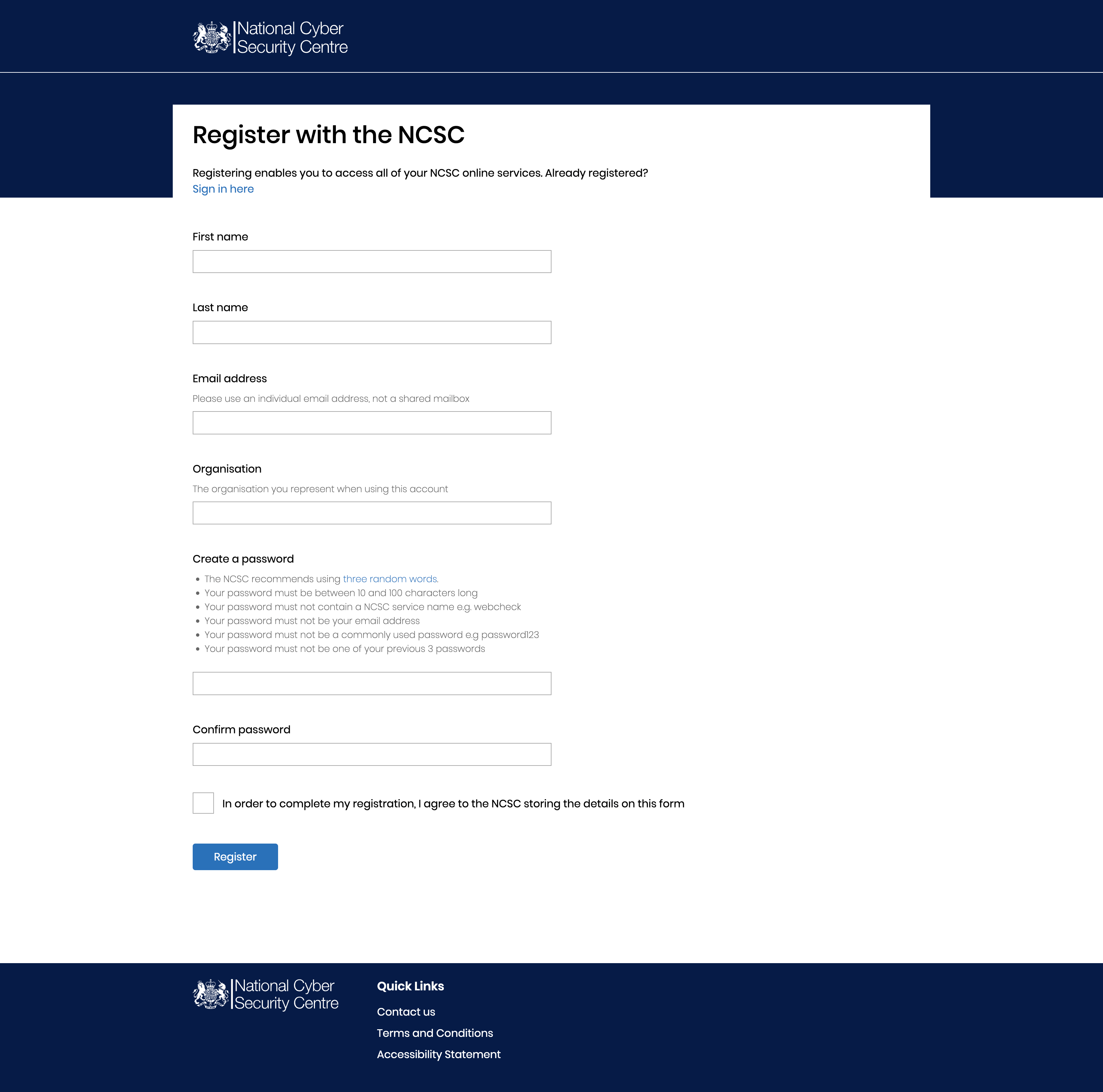
Registration form
Enter your details into the form and click Register
Once you have completed and submitted the form, you will receive an email with a link. Click the link and you will be taken to a screen asking you to accept the terms and conditions.
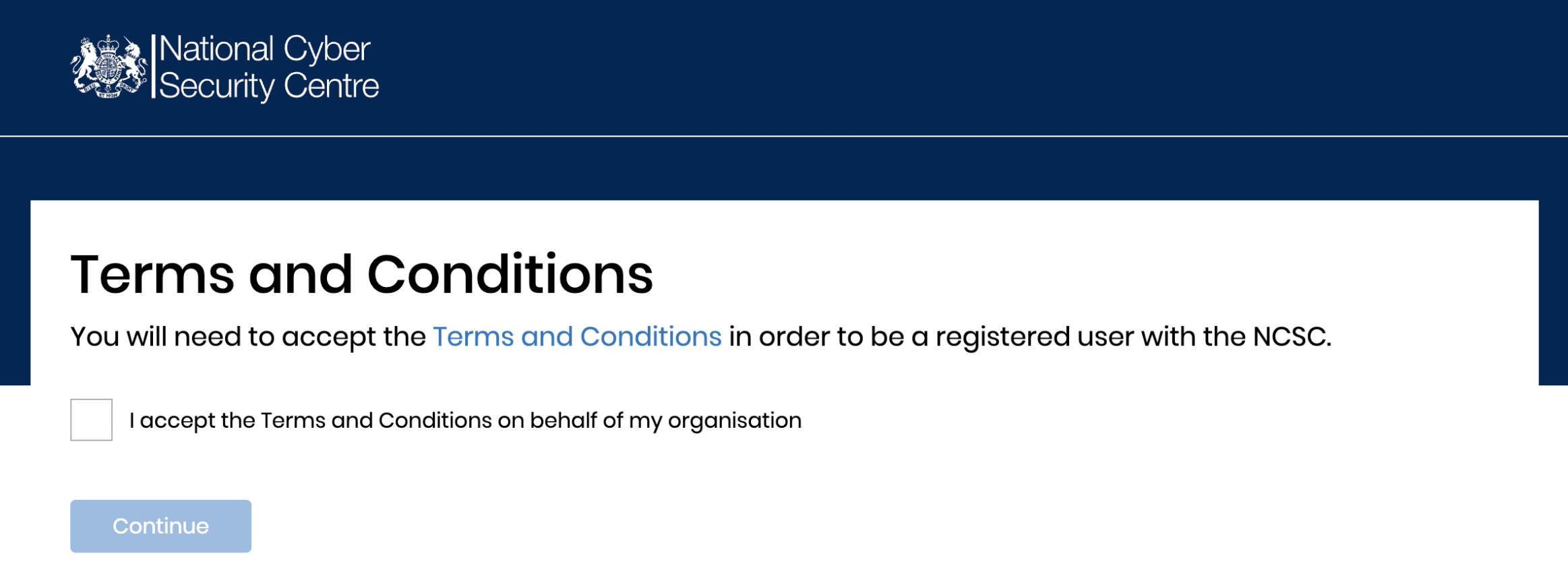
Terms and Conditions
After reading and accepting the terms and conditions, you will be taken to MyNCSC.
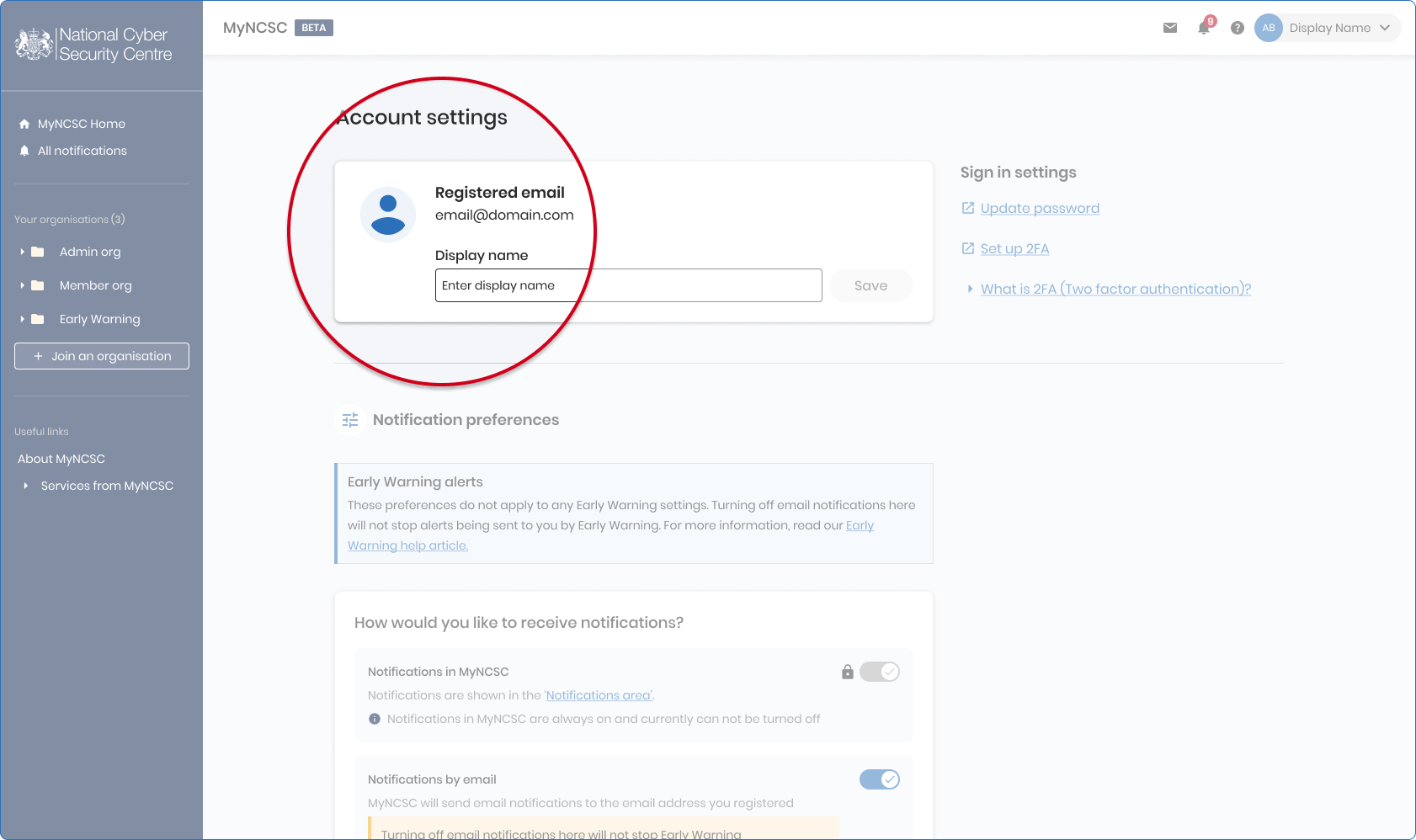
Enter a display name
- Enter a display name that will be used within MyNCSC (this can be changed later)
- Tick the checkbox to agree to the MyNCSC Platform Terms
- Click Continue
You are now registered and logged into MyNCSC.
Joining your organisation
Finding and joining the correct organisation is important. For example, if colleagues from your organisation will also be using our services, you will need to join the same organisation to benefit from the collaborative working which MyNCSC offers.
- From the MyNCSC home page click on Join an organisation and search for your organisation. Help given within the search page.
- Within the search results carefully consider the name and sector before selecting the most appropriate option.
Most users will only need to join their one organisation. If your organisation is representing or working in partnership with others you will need to follow the ‘Organisation selection’ guidance in order to join.
You can join up to 5 organisations within MyNCSC, although in accordance with the organisation selection guidance, use of one organisation will typically suffice.