Guidance
MyNCSC Help Centre
Page 10 of 22
Edit & delete assets
- To edit an asset, select the ‘cog’ icon under Actions on the Assets page.
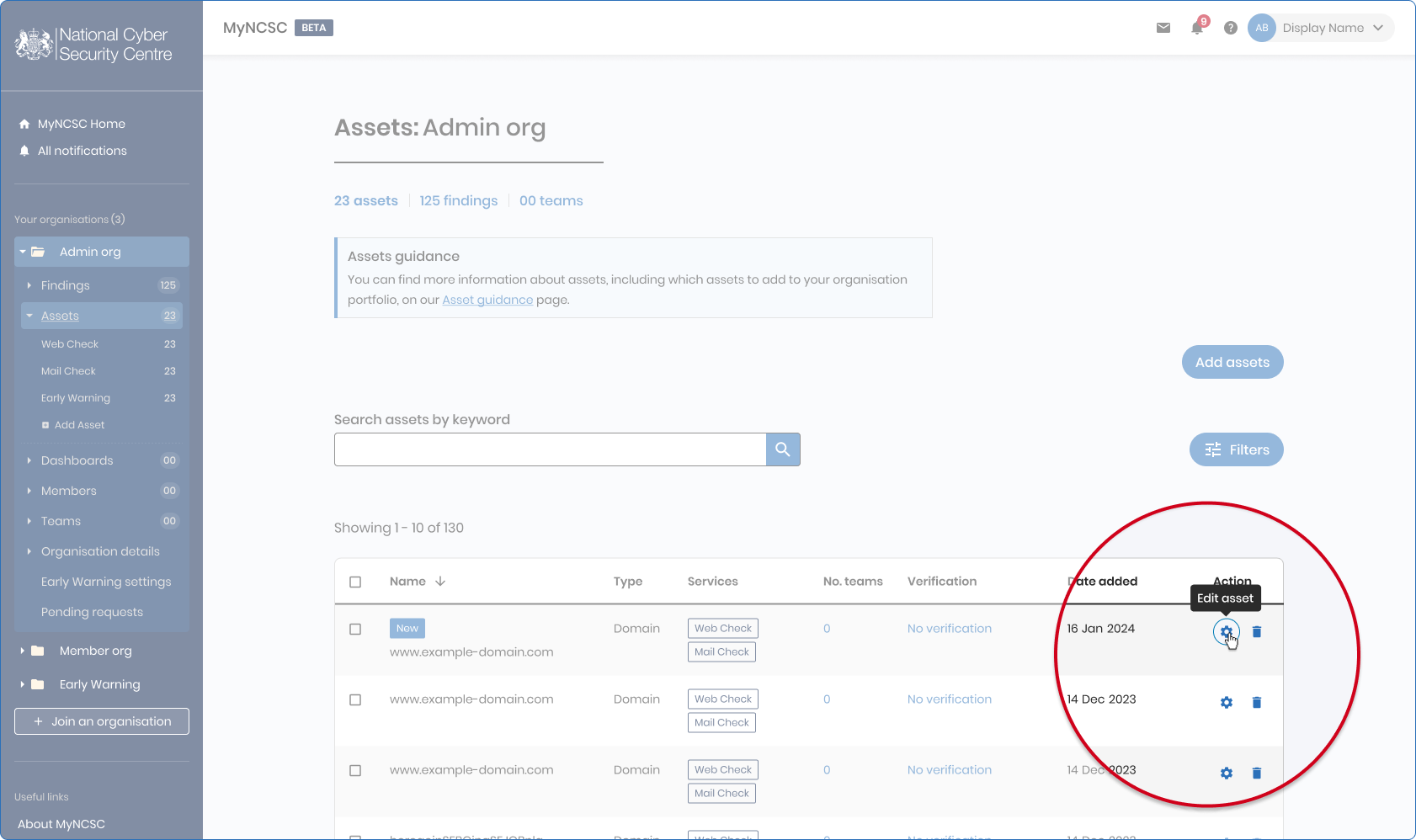
Assets page within MyNCSC
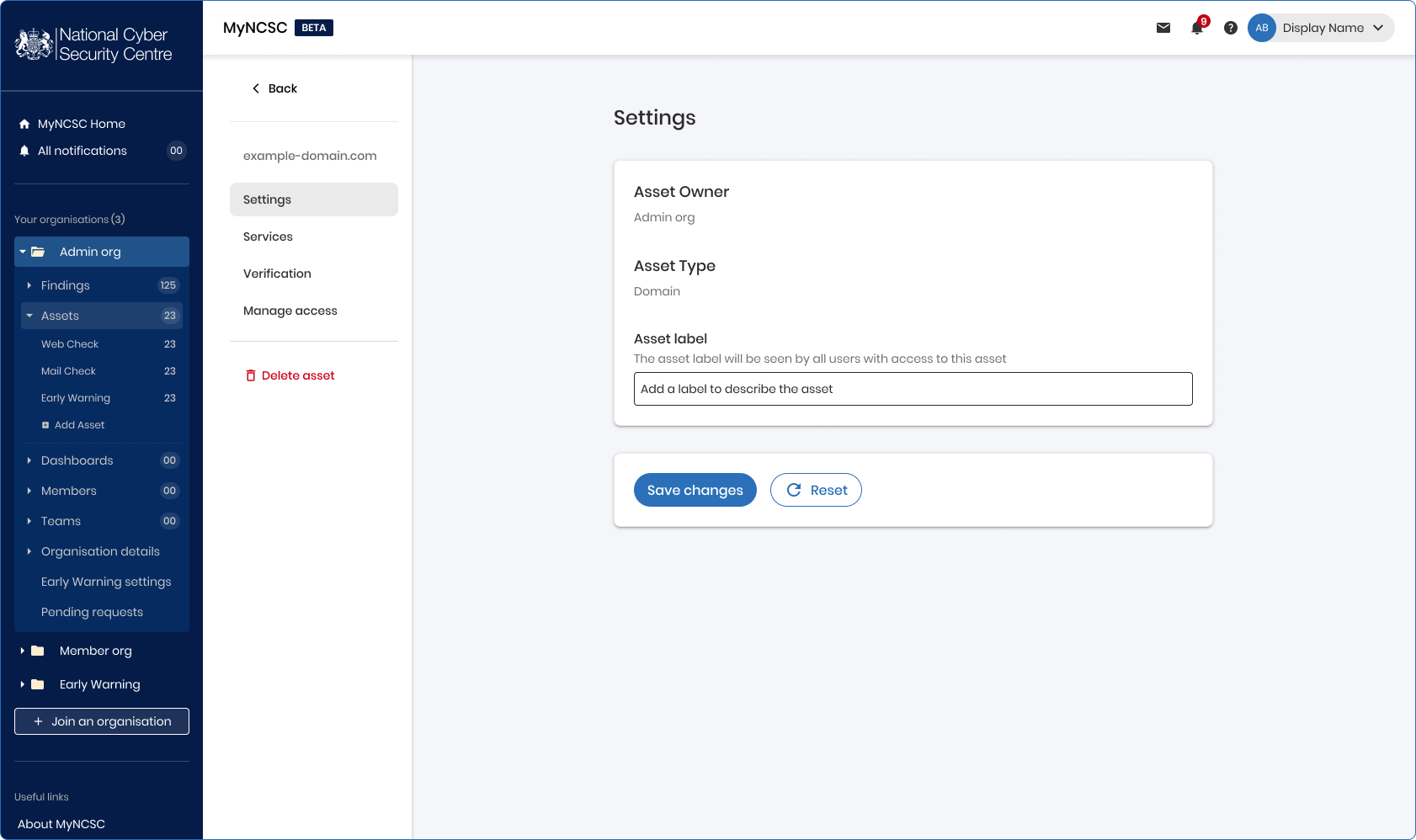
- Within Settings, you can view the asset type and create or update a label which you can use to keep your assets organised.
- Within Services, you can add or remove a service from the asset.
- Within Verification, you can verify your assets (only applicable to DNS Check and VMS - from GDS).
- To delete an asset select the bin icon under actions on the Assets page.