MyNCSC Help Centre
Page 11 of 22
Asset verification
Verifying an asset is when you prove you have ownership of a domain. At present this is required for DNS Check and VMS.
What should I verify?
You can only verify domains. Domains can only be verified individually. However, within your organisation’s portfolio if you verify the highest level domain, all subdomains will inherit its verification.
Please note: In order to benefit from inherited verification, you must verify the highest level domain. If you don’t own the highest level domain or don’t have permissions to add it to your portfolio, auto-inheritance will not be available to you.
Example:
domain.co.uk
(This is the highest level domain in this example that has been verified)
sub.domain.co.uk
(This sub-domain has automatically inherited verification from its highest level parent domain that has been verified)
sub.sub.domain.co.uk
(This sub-domain has automatically inherited verification from its highest level parent domain that has been verified)
In the example above, the highest level domain is domain.co.uk thus verifying it would mean any of its subdomains will inherit its verification. If you verified sub-domain.co.uk, its subdomains would not inherit its verification.
How does verification work?
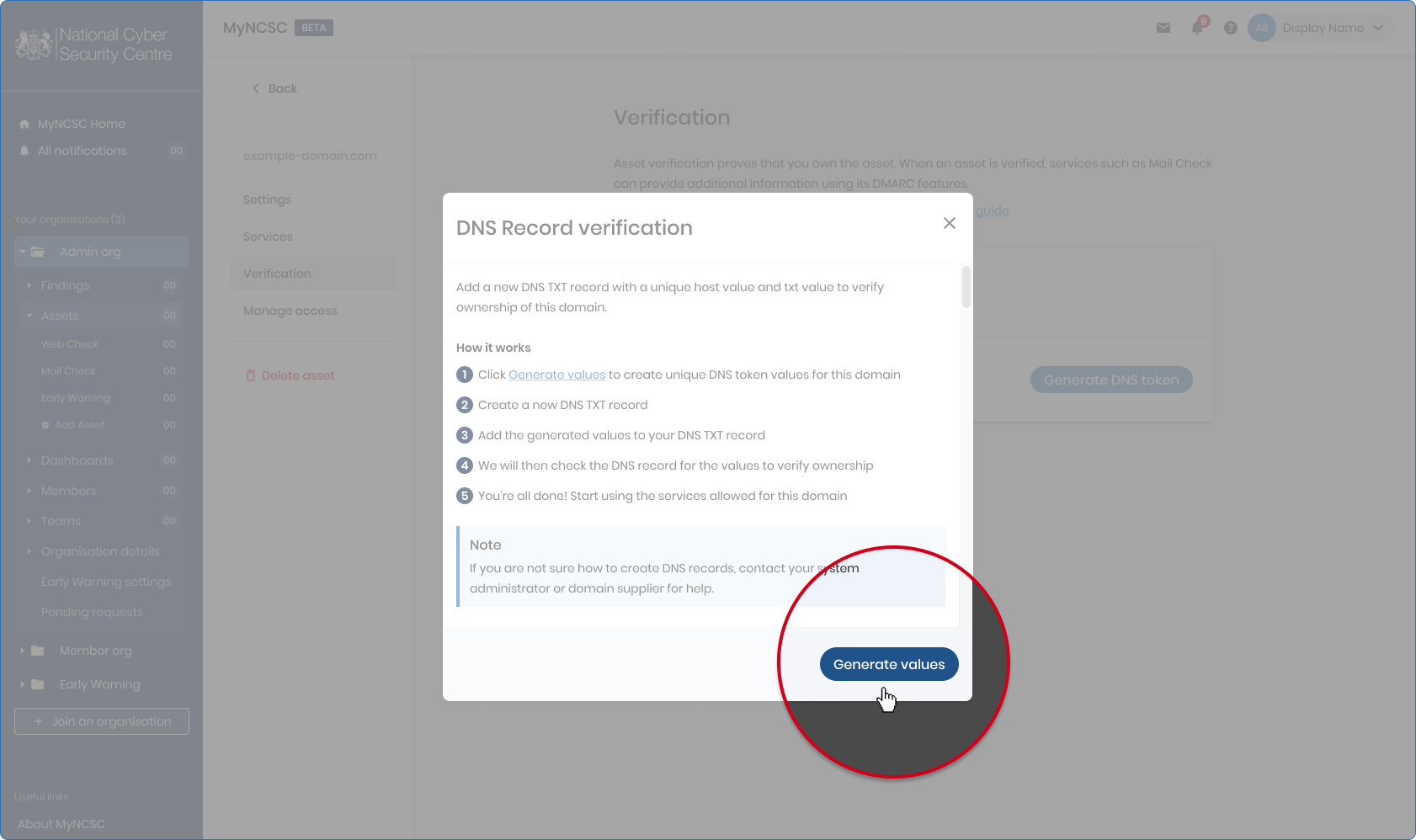
We will generate a unique DNS token for you for your chosen asset. You will need to add this value to your DNS records as a TXT file. If you are unsure on how to do this, please contact your system administrator or IT provider for help.
We will then check for those values in your DNS records and verify your asset.
Please note: It may take up to 72 hours for the system to recognise the change in your DNS records.
Where do I go to verify an asset?
To get to the verification page of an asset:
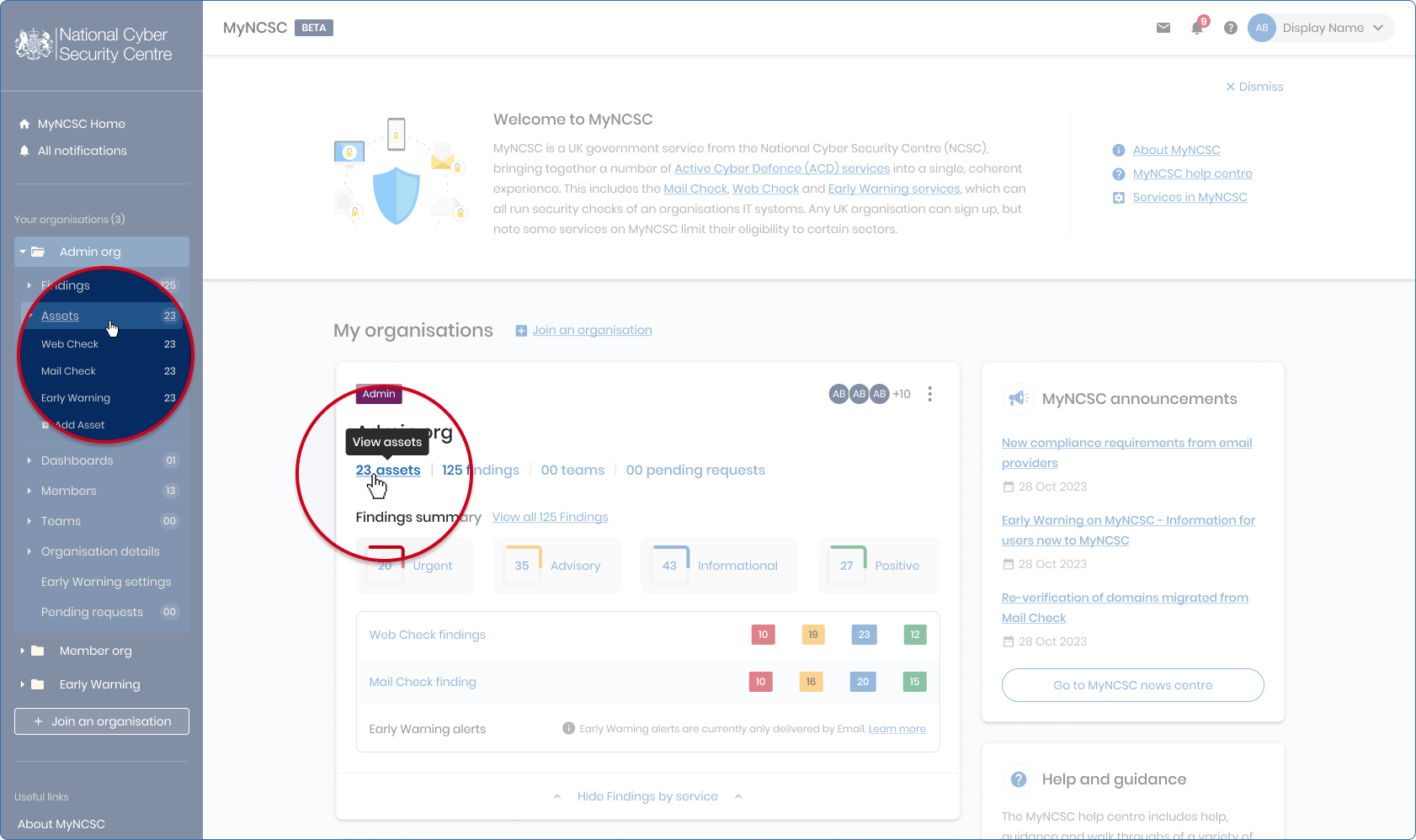
- Navigate to the Assets page
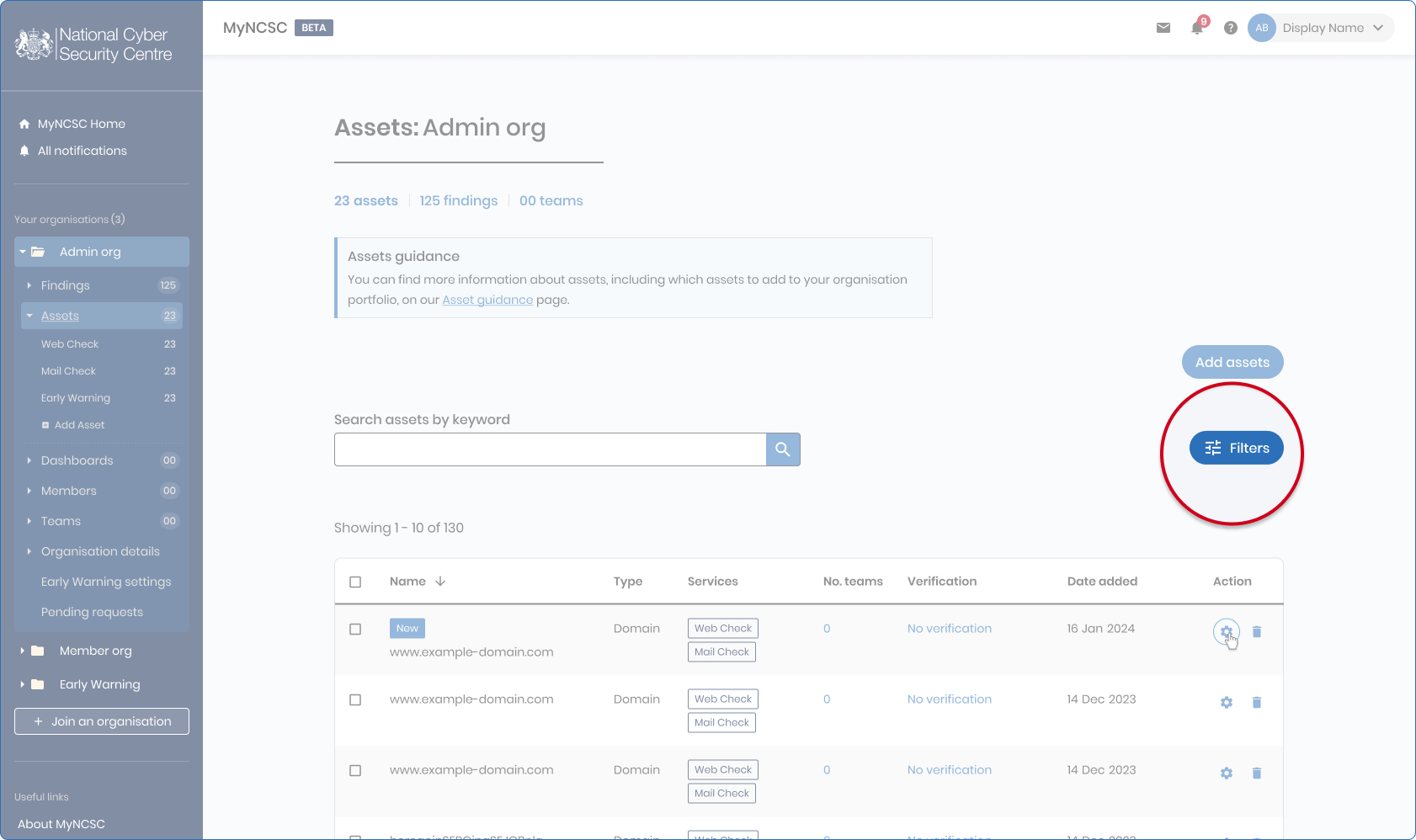
- Find the asset you want to verify - you can use the filters to view assets subscribed to DNS Check or VMS and also any that do not currently have verification enabled.
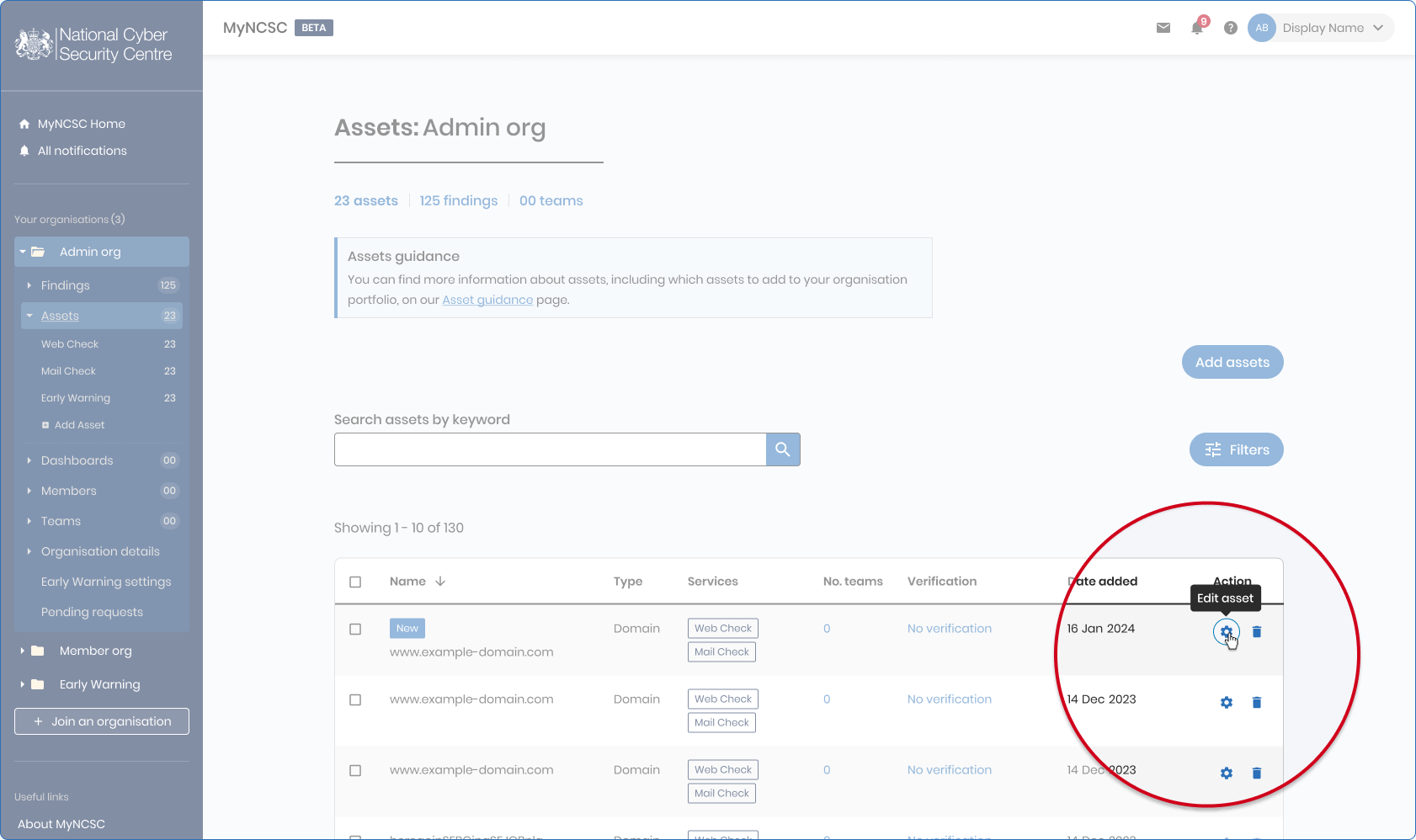
- Navigate to the Settings page by clicking the cog icon on the right side of the row - if you can’t see the icon, try scrolling to the right within the table
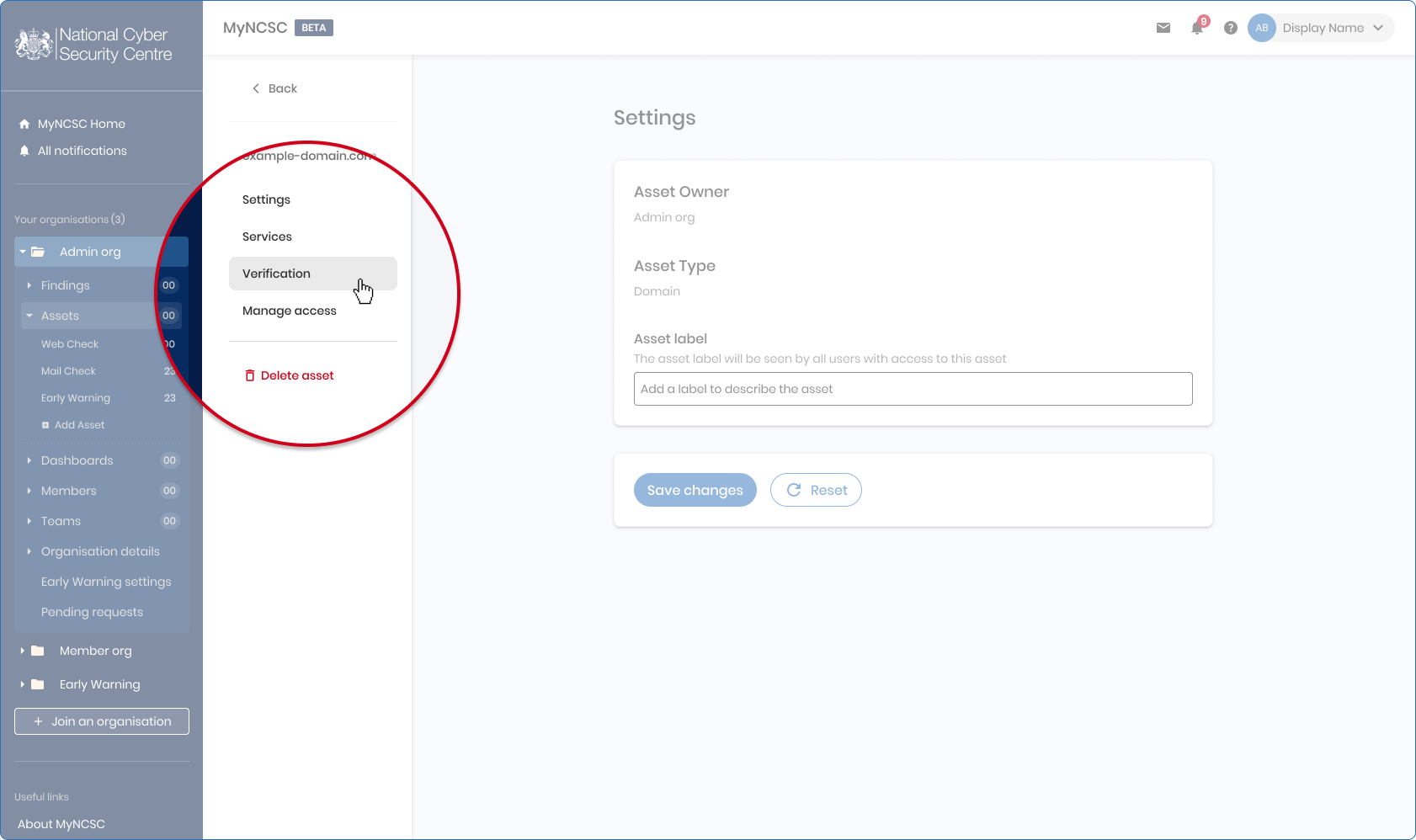
- On the Settings page of the asset, select the verification tab on the left-hand side
- Begin the verification process by clicking Generate DNS token
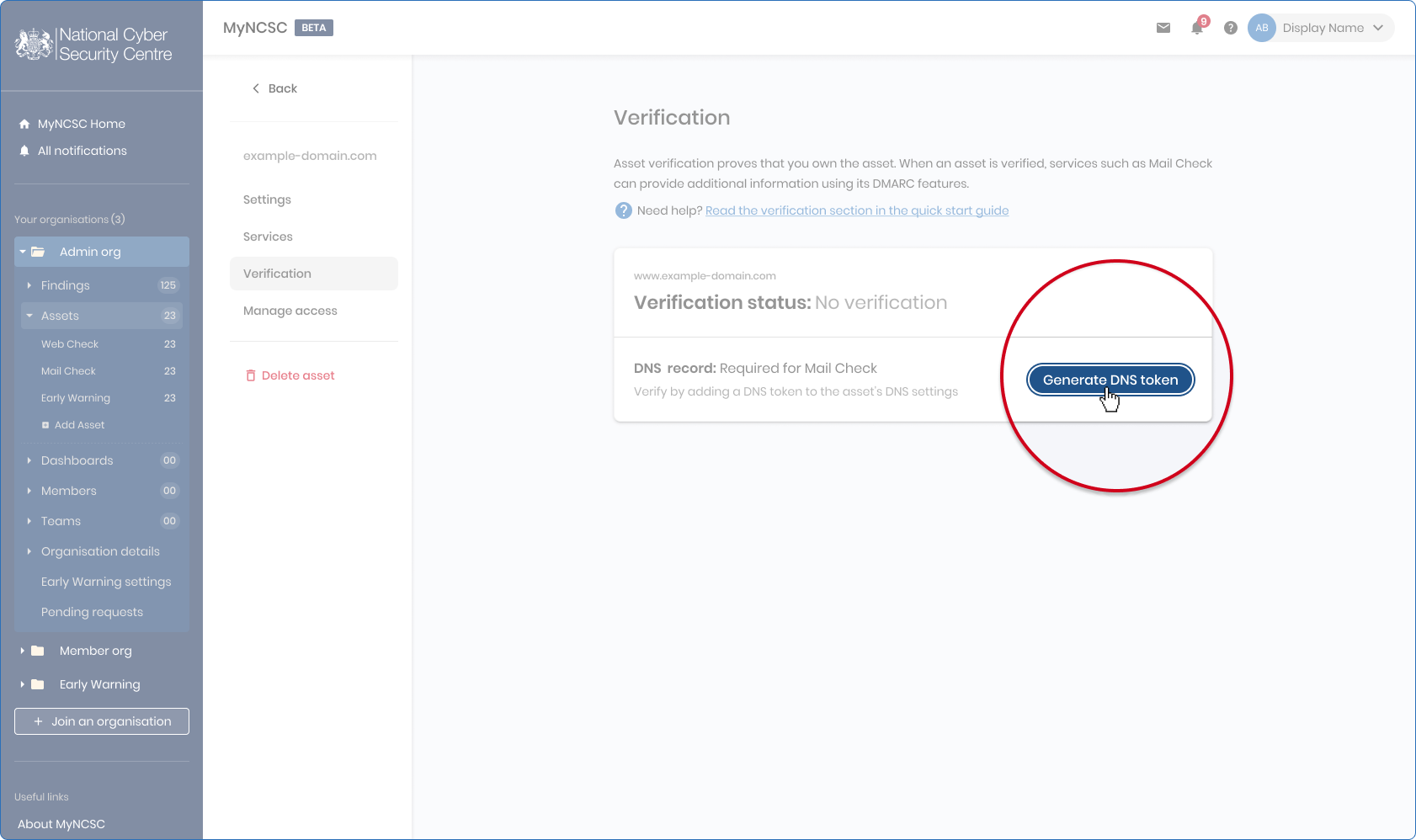
- Follow the instructions on this page to complete verification of your asset.