MyNCSC Help Centre
Page 8 of 22
What are ‘findings’ and how to interpret them
Findings are the results of the scans that MyNCSC performs against your assets.
To receive findings you must have subscribed your asset(s) to service(s). When you add IPs and domains these will be automatically subscribed to Early Warning and DNS Check, but you must proactively subscribe assets to VMS - from GDS (Domains).
Viewing your findings
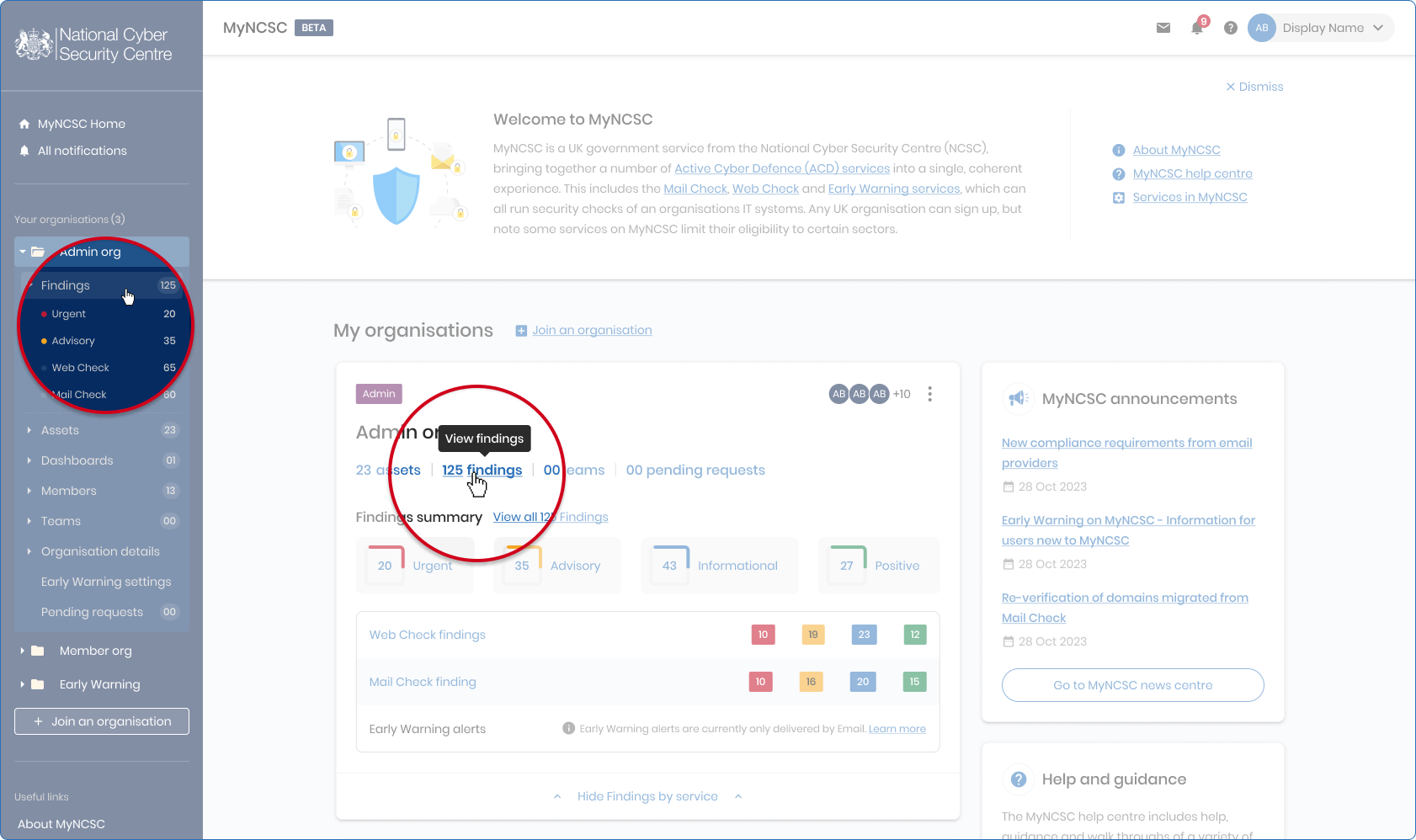
To view your organisation's findings, select Findings on the Organisation card on the MyNCSC homepage or in the left-hand side menu. You will be presented with a collection of rows showing your findings.
You can sort your findings by 'Severity' or 'Age'.
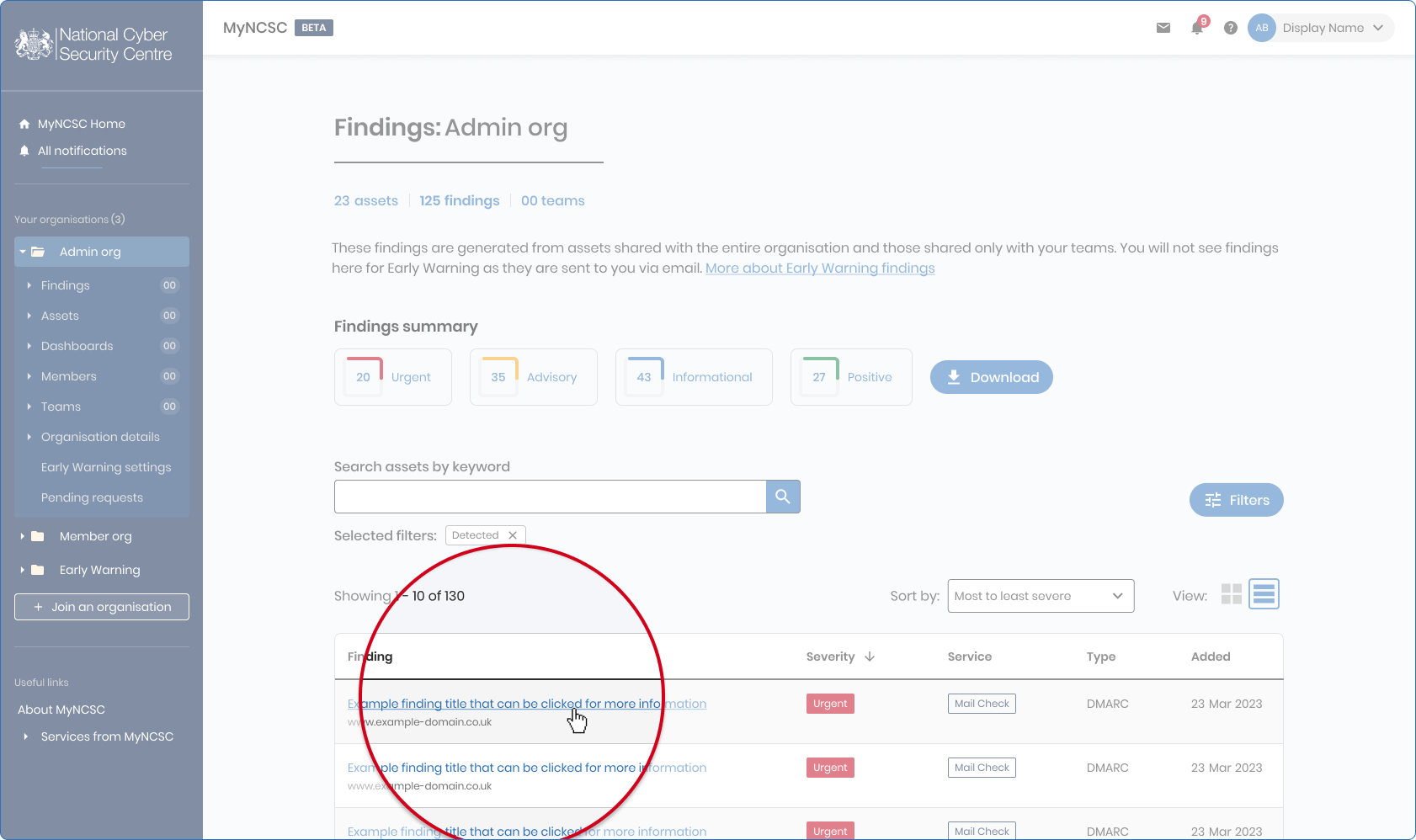
You can filter your findings using the filter bar, which can be found above the findings table on the right-hand side.
To view a finding, click on the title on the finding row or card, which will take you to a new page. Here you will see a summary of what has been found.